
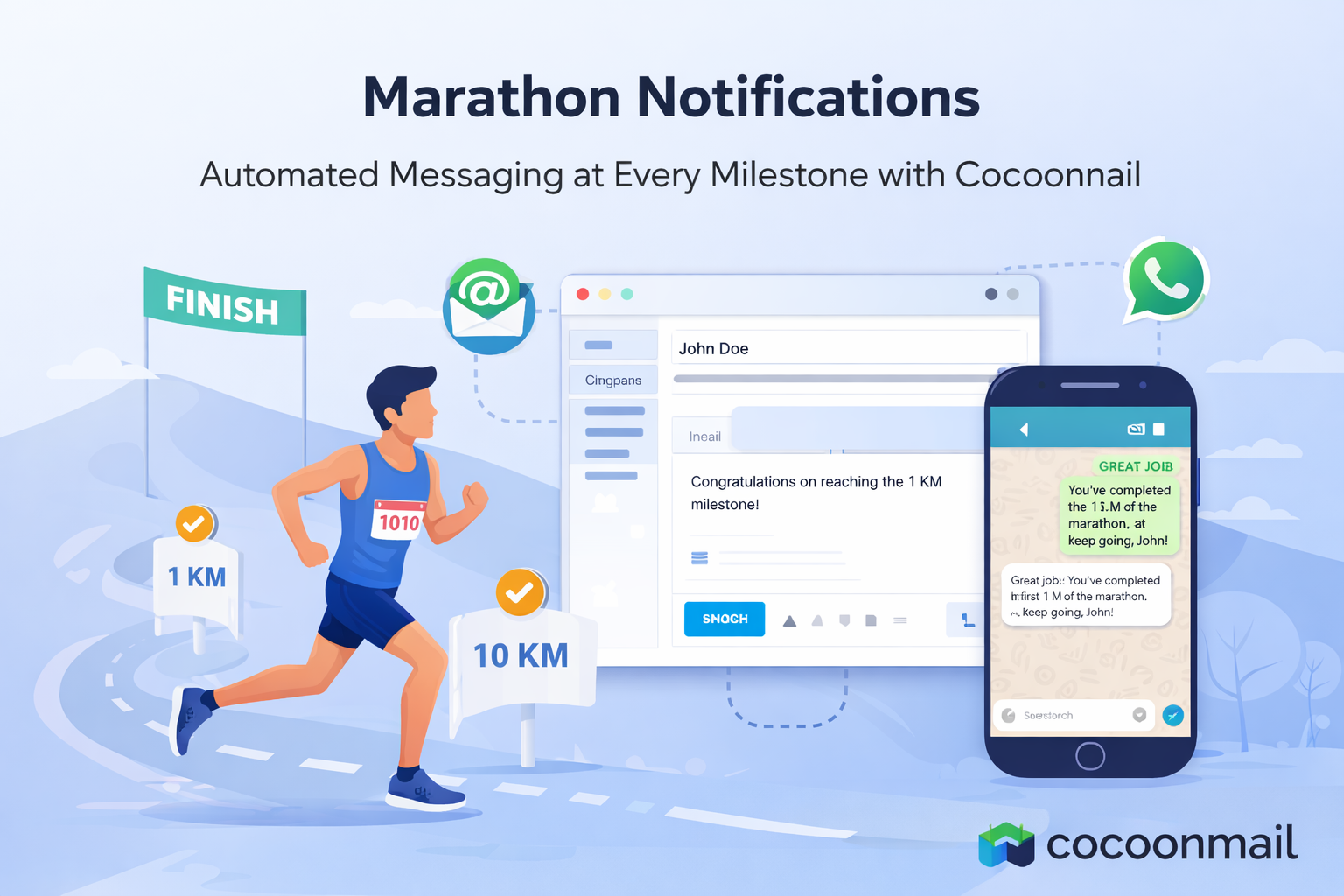
Marathons are not just races—they are experiences shared by runners, organizers, sponsors, and supporters. Every checkpoint crossed is a moment of achievement, and every update builds excitement and trust. With Cocoonmail, marathon organizers can deliver real-time, automated notifications via Email and WhatsApp, ensuring participants and stakeholders stay informed at every stage of the race.
This blog walks through a practical Marathon Notifications use case, powered by Cocoonmail’s event-based APIs and automation workflows.
The Challenge in Marathon Communication
Marathon events involve thousands of participants and multiple stakeholders. Common communication challenges include:
- Notifying runners when the race starts
- Sending milestone updates (1K, 5K, 10K, Half Marathon, etc.)
- Keeping family members and supporters informed
- Delivering messages reliably, in real time, across channels
- Avoiding manual intervention during the race
Traditional systems struggle to provide real-time, personalized updates at scale. This is where Cocoonmail’s event-driven marketing and automation platform fits naturally.
The Cocoonmail Approach: Event-Driven Notifications
Cocoonmail treats each race milestone as an event. When an event occurs—such as the race start or a runner crossing a checkpoint—your system triggers a webhook to Cocoonmail.
From there:
- The event is captured by Cocoonmail
- Automation rules are evaluated
- Personalized messages are sent via Email, WhatsApp, or both
- Delivery status and reports are tracked centrally
This architecture is ideal for time-sensitive, high-volume events like marathons.
Marathon Notification Flow
Below is a typical notification journey for a runner participating in a marathon:
- Race Start Notification
Triggered when the marathon begins - Milestone Notifications
Sent automatically as the runner crosses distance checkpoints:- 1K
- 5K
- 10K
- 21K (Half Marathon)
- 30K
- 35K
Each milestone notification can include:
- Event name
- Runner bib number
- Timestamp
- Cumulative race time
Example: Race Start Event
When the marathon starts, your system sends an event to Cocoonmail with runner and event details. Cocoonmail then triggers the configured automation to notify the participant instantly.
Typical use cases:
- WhatsApp alert to the runner
- Email update to registered supporters
- Internal notification to event staff
This ensures everyone is aligned from the very first moment.
Example: Milestone Notifications (1K, 5K, 10K…)
As runners cross checkpoints, timing systems or tracking services trigger milestone events.
Each event carries contextual data such as:
- Event name (e.g., Bangalore Marathon)
- Bib number
- Event time
- Cumulative time
Cocoonmail uses this data for dynamic template rendering, enabling messages like:
“Congratulations John! You’ve completed 10K of the Bangalore Marathon in 01:12:45. Keep going!”
These messages can be delivered instantly on WhatsApp, ensuring high visibility and engagement.
Multi-Channel Delivery: Email + WhatsApp
Cocoonmail supports true multi-channel orchestration:
- WhatsApp for instant, high-open-rate notifications
- Email for detailed updates, summaries, and post-race communication
You can:
- Use WhatsApp for live milestones
- Use Email for race summaries and certificates
- Configure fallback rules if one channel fails
All of this is handled automatically by Cocoonmail’s workflow engine.
Automation and Reliability
Cocoonmail’s automation layer ensures:
- No manual intervention during the race
- Retry and failure handling for message delivery
- Centralized reporting and logs
- Scalability for thousands of concurrent runners
This makes Cocoonmail suitable not just for marathons, but for any large-scale, real-time event communication.
Workflow Reporting and Traceability
Cocoonmail does not stop at execution—it provides rich workflow reports that give organizers complete visibility into every event-triggered action.
With Workflow General Reports, teams can:
- Track each event trigger per runner
- See exactly which actions were executed (Email, WhatsApp, etc.)
- Audit message delivery timelines
- Filter reports by contact, workflow, or action
- Inspect event payload data used in communication
What the Workflow Report Captures
Each workflow execution is logged with detailed context, including:
- Contact: Runner or associated contact
- Trigger: Event that initiated the workflow (for example, 1KM_CROSSED)
- Action: Email sent, WhatsApp message delivered, or other actions
- Execution Time: When the workflow step ran
- Event Metadata: Bib number, cumulative time, badge URL, or any custom event fields
- End Time: Completion timestamp for the action
This level of reporting is critical for race-day operations, post-event analysis, and compliance.
Why Reporting Matters in Marathon Events
For large-scale races, reporting enables:
- Verification that every runner received milestone updates
- Faster troubleshooting of failed or delayed messages
- Accurate post-race summaries for organizers and sponsors
- Confidence when operating at high volume under real-time constraints
By combining event-driven automation with enterprise-grade reporting, Cocoonmail ensures marathon communication is not only fast—but fully observable.
Why Cocoonmail for Marathon Events?
Key benefits include:
- Event-driven API architecture
- Visual workflow builder with multi-action support
- Real-time WhatsApp and Email notifications
- Rich workflow execution reports and audits
- Personalized, data-driven templates
- Automation with retries, monitoring, and scalability
Visual Event Workflows in Cocoonmail
Beyond APIs, Cocoonmail provides a visual event workflow builder that allows teams to design marathon notification journeys without writing additional code.
Using the workflow builder, you can:
- Define event-based triggers (for example: 1KM_CROSSED, 5KM_CROSSED, RACE_STARTED)
- Attach multiple actions to a single event
- Combine Email, WhatsApp, and other actions in a single flow
- Monitor delivery and engagement metrics in real time
Example: 1KM Crossed Workflow
For instance, when a runner crosses the 1KM milestone:
- Trigger: Event received with code 1KM_CROSSED
- Action 1: Send a personalized email to the runner or registered contact
- Action 2: Send a WhatsApp message with milestone details
This entire flow is visually configured inside Cocoonmail’s automation canvas. Once published, every incoming event automatically executes the workflow, ensuring consistent and timely communication.
Supported Actions in Event Workflows
Cocoonmail workflows support multiple actions, including:
- Send an email to a contact
- Send a WhatsApp message
- Trigger notifications
- Call external webhooks
- Initiate AI-powered voice calls (if enabled)
These actions can be extended or reordered as your marathon communication strategy evolves.
Postman Collection: Ready-to-Use Marathon APIs
To help developers get started quickly, Cocoonmail provides a Postman collection that demonstrates the complete Marathon Notifications flow.
The collection includes:
- Race start event trigger
- Distance milestone events (1K, 5K, 10K, 21K, 30K, 35K)
- Sample payloads with event data and contact information
- Bearer-token authentication using your Cocoonmail API key
Using this collection, you can:
- Simulate real marathon events locally
- Test webhook integrations before race day
- Validate event payloads and automation workflows
- Onboard engineering teams faster with ready-made examples
Once imported into Postman, each request can be executed independently or as part of a simulated race flow.
Tip: Combine the Postman collection with Cocoonmail’s visual workflow builder to see end-to-end execution—from API call to Email/WhatsApp delivery and workflow reports.
Final Thoughts
Marathons are about momentum—on the track and in communication. With Cocoonmail, every milestone becomes a moment of engagement. By combining event-based APIs, automation, and multi-channel delivery, Cocoonmail helps organizers deliver a world-class race experience.
If you are planning a marathon or any event that demands real-time notifications at scale, Cocoonmail is built for exactly that.
Interested in implementing Marathon Notifications with Cocoonmail? Explore our APIs and automation workflows to get started.